

We review current product information, care guidance, and purchasing considerations to help you compare options. Always confirm the final specifications, price, and retailer policies before ordering.
In this guide
The short version
GearUP Booster is worth a controlled trial if a particular online game suffers from an inefficient or unstable network route. The useful question is whether it improves your usual matches enough to justify a recurring payment. A promise of lower ping alone is not a reason to subscribe.
This is a research-based review for U.S. readers, based on official product and support pages, subscription terms, and public customer feedback. We have not installed the software, benchmarked connections, or tested its router hardware. Simply Room may earn a commission through links in this article.
What routing can realistically change
GearUP describes its Adaptive Intelligent Routing technology as selecting alternative paths for game traffic to avoid congestion. That explains the intended benefit: a better route between your connection and the game server. Its support page makes strong claims about eliminating packet loss; we would treat those as marketing claims requiring verification on your connection.
Our editorial view is that a routing subscription needs a specific problem to solve. If nearby U.S. servers already feel stable, there may be little useful improvement. For distant servers, test the exact region you play in rather than assuming a result from another country applies. A route optimizer should not be purchased as a graphics upgrade or as a substitute for diagnosing weak home Wi-Fi.
Start with the right platform and game
The official site separates Windows, mobile, and console/router offerings. Its Windows page lists Windows 7, 8, 10, and 11, a broadband connection, and 200M of available storage. Those published compatibility requirements do not establish whether an older operating system remains appropriate for your security needs.
Check your exact game and platform in the current supported-game directory before starting. Console players should read the setup instructions for their intended connection method instead of assuming a Windows subscription automatically covers every device. This review focuses on the software buying decision; it does not establish HYPEREV hardware performance, U.S. delivery times, return eligibility, or warranty coverage. Confirm those separately if you choose a router.
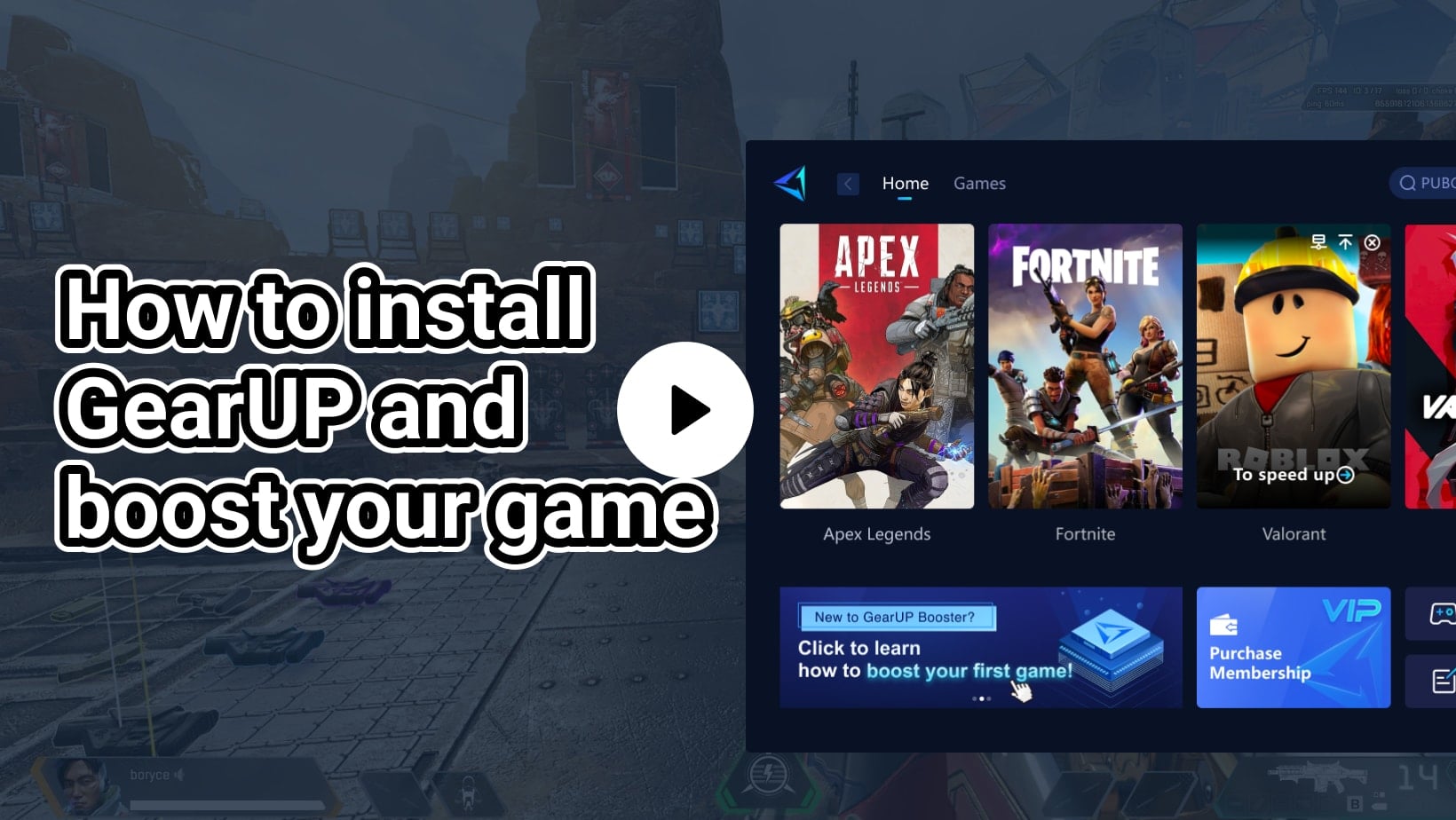
A trial that answers the buying question
Before enabling the booster, record several ordinary sessions on the same game server. Note the in-game ping, visible packet loss where available, and disruptive spikes or disconnects. Repeat with GearUP enabled at comparable times, keeping the server region, device, connection, and background downloads as consistent as practical.
Use the game’s own experience and indicators alongside the booster dashboard. One unusually smooth match or an attractive app estimate is weak evidence. We would keep a short record of typical latency and the worst interruptions, then ask whether the improvement repeats during the hours we actually play. If routing changes make the connection worse, disable the booster and compare again before committing.
What customer feedback adds
Public Trustpilot accounts include reports of reduced lag and packet loss, while other reviewers describe little improvement, worse results, or a mismatch between the app’s latency display and the game. The profile invites customer reviews, and the accounts span countries and games; they are not a representative U.S. benchmark.
These reports support testing rather than a universal verdict. A successful route for another player cannot predict the path from your ISP to your chosen server. Likewise, one disappointed account does not prove the service never helps. Pay attention to accounts describing the same game, region, and failure pattern as yours, but let repeated comparisons on your own connection decide the purchase.
Price the commitment, not the advertised saving
Before paying in the United States, check the currency, amount due now, subscription length, any tax, and renewal price displayed in your own checkout. We are not quoting a fixed U.S. price because the publicly inspected pages did not establish one dependable checkout total for every platform and offer.
A prepaid plan needs more confidence than a short subscription. Work out how often you play the affected game and whether the benefit persists beyond one evening. Do not assume a mobile purchase, PC plan, and router offer share the same entitlement or billing channel. Save the order confirmation and account identifier so support can locate the purchase if necessary.
Trial timing and auto-renewal need close attention
The general agreement describes a three-day trial unless signup specifies otherwise, followed by recurring billing. The PC auto-renewal FAQ gives more specific timing: the first payment is generally processed 30 minutes before the trial ends, while later renewals are charged 12 hours before the next cycle. It advises cancelling three days before billing and warns that some payment channels restrict cancellation within 24 hours.
Those instructions can be awkward for a short trial. The FAQ also says cancelling during the trial ends trial access immediately. Before linking a payment method, check the exact charge time under Configure → Account Settings and ask support to clarify any conflict between the offer and cancellation window. Do not plan to cancel in the final minutes.
The FAQ promises billing emails, while the general agreement says a trial-ending notice is not provided. Our practical recommendation is to use your own reminder and retain cancellation confirmation rather than depend on an email arriving.
U.S. refunds and our verdict
GearUP’s general agreement describes purchases as final and non-refundable unless its terms or applicable law provide otherwise, and says partially used subscription periods do not receive refunds or credits. Do not assume the agreement’s separate European cancellation provisions apply to a U.S. purchase. If you buy through an app store, verify that channel’s billing and refund process too.
For software, the relevant questions are activation, cancellation, and refund eligibility rather than shipping or physical returns. Ask support about an unclear charge promptly, with the order details, but do not buy on the assumption that an unsuccessful latency test guarantees a refund.
Our verdict: consider GearUP when a supported game has a repeatable routing problem and you can evaluate the offer before its charge deadline. Pause if you already have stable nearby-server play, need a guaranteed ping reduction, or cannot resolve the cancellation timing before signup. The subscription earns its place only when a measurable improvement survives ordinary play and the billing terms are clear.
Before you order
Check the exact model, current price, return terms, and manufacturer instructions. Save the listing and order details so you can refer to them later.
Explore the brand guide ↗